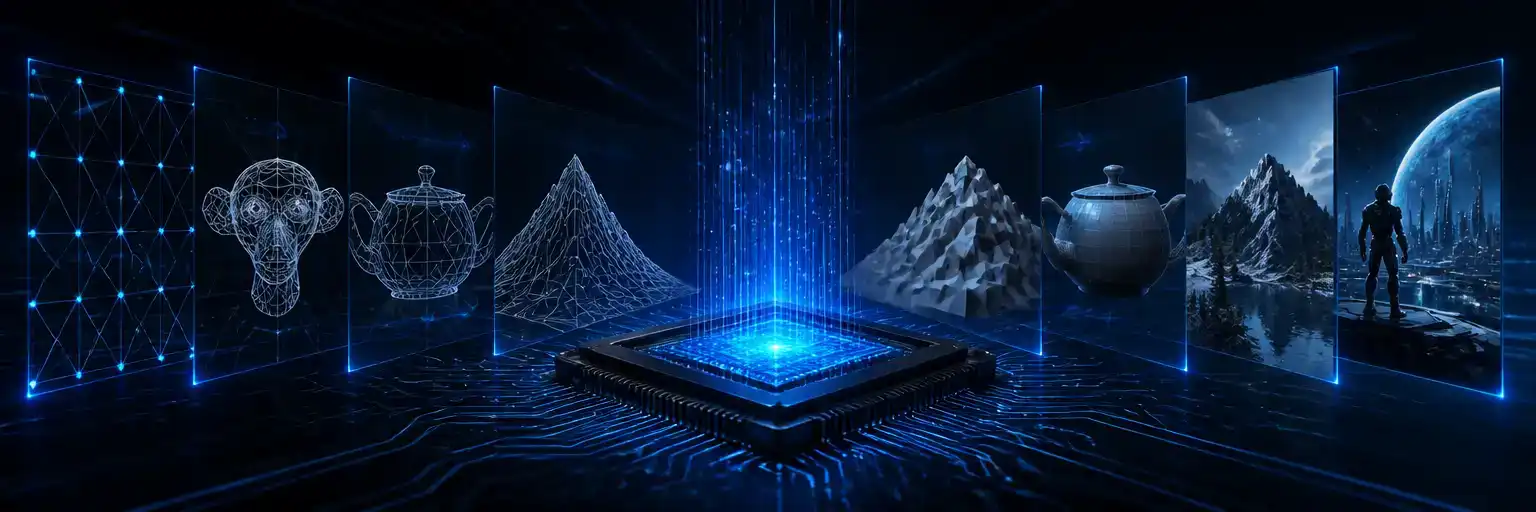
Beyond the Basics: Why Core 3D Math Still Shapes Modern Graphics
For C# and .NET developers, understanding the fundamental matrices and algorithms behind 3D rendering—from camera perspective to object interaction—remains crucial for crafting high-performance, immersive experiences.
AI-generated image
In the vibrant world of 3D game development, it's easy to get lost in the latest rendering techniques or engine features. Yet, beneath every pixel-perfect scene and interactive object lies a bedrock of fundamental mathematics. For C# and.NET developers, mastering the core concepts of 3D transforms, camera projection, and object interaction is not just academic; it's essential for both debugging complex issues and optimizing performance. Ignoring these foundational principles leaves us at the mercy of opaque engine black boxes.
At its heart, rendering a 3D scene involves a pipeline of transformations, each handled by specific matrices. Objects in a virtual world are first positioned using a world matrix, then viewed from a camera's perspective via a view matrix, and finally projected onto a 2D screen using a projection matrix. This sequence dictates everything from how an object appears relative to others to how it's ultimately displayed on your monitor, mimicking how a real-world camera captures light and depth. Interacting with these objects, such as clicking them with a mouse, often relies on reversing parts of this very pipeline through techniques like ray picking.
Deconstructing the View: The Power of LookAt
One of the first challenges in any 3D application is positioning the camera. How do we ensure it's looking exactly where we intend? This is where the LookAt matrix function becomes indispensable. The LookAt function, typically found in math libraries and often implemented as Matrix4x4.CreateLookAt in System.Numerics, simplifies camera control by taking three key parameters: the camera's eye position, the target point it should look at, and an 'up' vector that defines the camera's orientation (e.g., which way is 'up' from the camera's perspective). This transforms the world into the camera's coordinate system, making it appear as though the camera is at the origin looking down a specific axis. In essence, the view matrix generated by LookAt is the inverse of the camera's world transformation matrix, effectively moving the world around the camera rather than moving the camera itself, as discussed on GameDev.net. This flexibility makes LookAt a powerful tool for scene navigation and observation, particularly evident in first-person games where the player's viewpoint is constantly shifting, as noted by Swarthmore College CS notes.
Seeing is Believing: Mastering Perspective Projection
Once the scene is oriented to the camera's view, the next step is to project it onto a 2D plane—your screen—in a way that mimics how humans perceive depth. This is achieved through perspective projection. Unlike orthographic projection, which flattens a scene, perspective projection creates the illusion of depth by making objects appear smaller as they move farther away, just as our eyes experience the world. This is a mathematical operation simulating human vision, as Juan Espinoza explains on Medium.
The perspective projection matrix defines a viewing frustum, a pyramid-like shape extending from the camera, within which objects are visible. A critical parameter here is the Field of View (FOV), which dictates how much of the scene is visible through the camera, much like adjusting a lens on a real camera, according to Scratchapixel. Libraries like System.Numerics offer functions such as Matrix4x4.CreatePerspectiveFieldOfView to construct this matrix, taking into account FOV, aspect ratio, and near/far clipping planes. This matrix transforms 3D coordinates into a normalized device coordinate (NDC) space, a standard 1x1x1 cube that all rendering pipelines understand, before being mapped to the final screen resolution. Developers must also be mindful of the coordinate system convention, whether left-handed or right-handed, as this impacts matrix construction and vector operations.
Beyond Rendering: Interacting with Ray Picking

While rendering brings our 3D worlds to life visually, enabling interaction is equally crucial. How do we select an object with a mouse click? This is a classic problem in 3D graphics, and ray picking (or ray casting) remains a widely used and effective solution. The process involves generating a 3D ray that originates from the camera and extends through the 2D mouse cursor's position on the screen, into the 3D scene. Then, we check for intersections between this ray and the objects in the world. As Anton Gerdelan details, this is an entirely mathematical exercise, reversing the transformation pipeline by multiplying the screen coordinates by the inverse of the projection and view matrices.
For performance, developers often simplify intersection tests by using bounding volumes—like spheres or axis-aligned bounding boxes—around complex objects rather than testing against every individual triangle. This allows for quick rejection of non-intersecting objects before more precise (and computationally expensive) tests are performed. While some might question if raycasting is still relevant, its prevalence in game engines and specialized applications, such as selecting spatial information on a virtual globe as proposed by Lee & Jang, demonstrates its enduring value. System.Numerics provides the Vector3 and Matrix4x4.Inverse operations necessary to implement these ray-casting algorithms efficiently in C#.
Ultimately, a deep understanding of these core 3D mathematical concepts—from transforming geometry with world matrices to framing scenes with LookAt and projecting them with CreatePerspectiveFieldOfView, and finally enabling interaction with ray picking—empowers developers to take full control over their 3D applications. While high-level engines abstract much of this away, the ability to peek under the hood and manipulate these fundamentals is what separates good developers from truly great ones.
Keep reading
No topics yet: start the first one.
More stories
Vulkan's Cross-Platform Edge Over Direct3D 12 for .NET Developers
For C# developers, the choice between Direct3D 12 and Vulkan is less about raw API power and more about strategic platform alignment, tooling, and the robustness of community-driven .NET bindings.

C# Game Engines: Unity, Godot, Stride, or MonoGame? Your Choice Matters More Than Ever
The C# game development landscape is richer than ever, offering powerful options beyond the industry incumbent. Choosing the right engine today means aligning project scope, team size, and commercial intent with the perfect technological fit.
Direct3D 11 and C#: Beyond the Fundamentals with Vortice
For C# developers, building a foundational Direct3D 11 application is more accessible than ever, offering critical low-level graphics understanding via modern .NET bindings.
Optimizing Direct3D 11: The Criticality of Buffer Strategy
For C#/.NET graphics developers, mastering Direct3D 11's resource management—from buffer types and input layouts to efficient update strategies—is key to unlocking peak application performance.